FAQ
FAQ
How do I cancel a reservation?
If you wish to cancel a reserved item, you can do so via the OPAC.
1. Log in to the OPAC.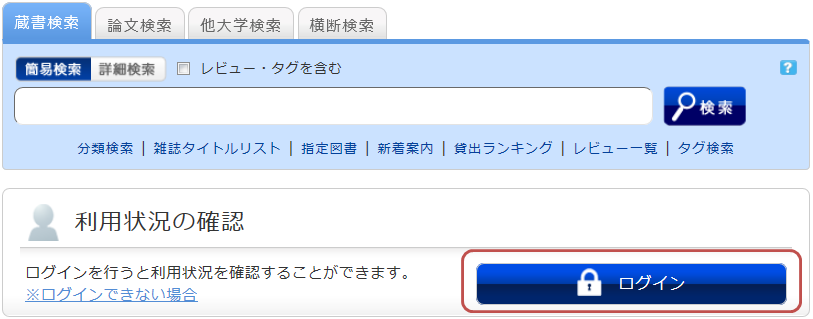
2. From "Check Usage Status" on the OPAC top page, click "Reserved Materials."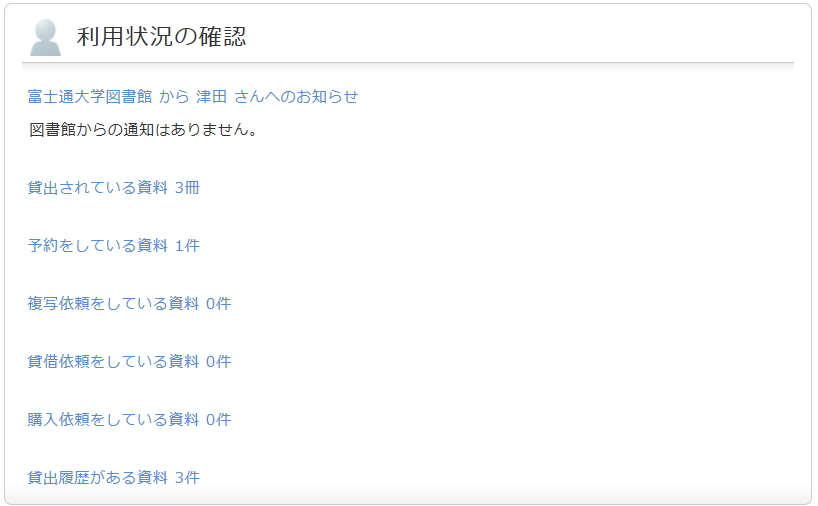
3. Once the reservation list screen is displayed, check the box next to the material you wish to cancel and click [Cancel Reservation].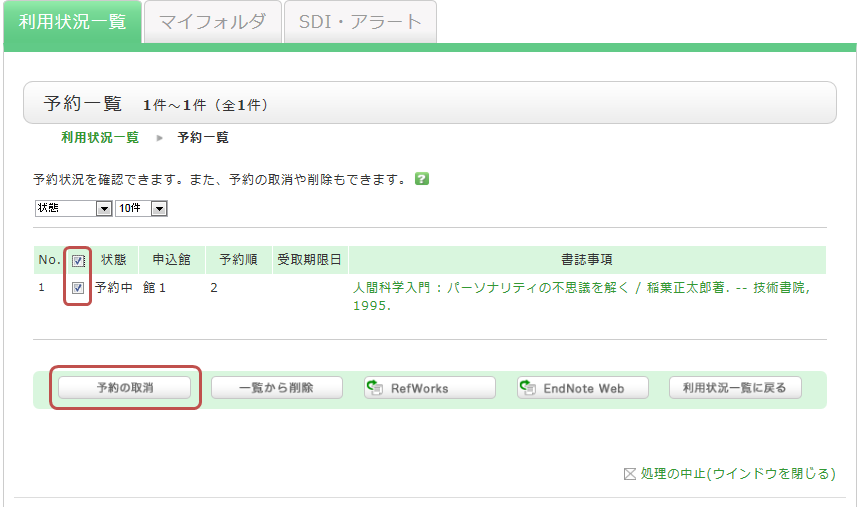
4. Click [OK] in the pop-up window.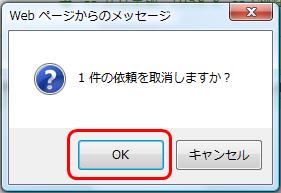
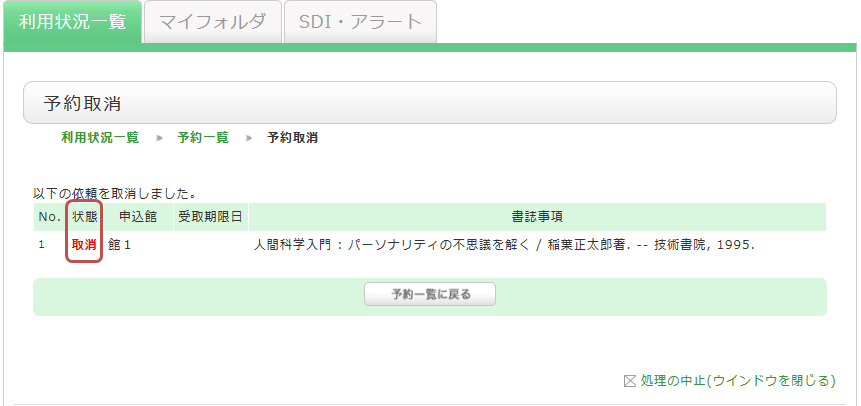
5. Once the cancellation is complete, "Cancelled" will be displayed in the status field.