FAQ
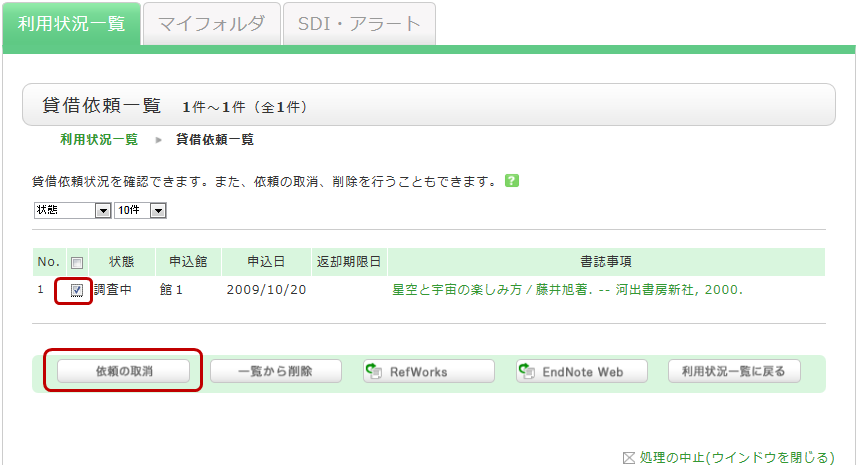
How do I cancel an ILL loan request I have already placed?
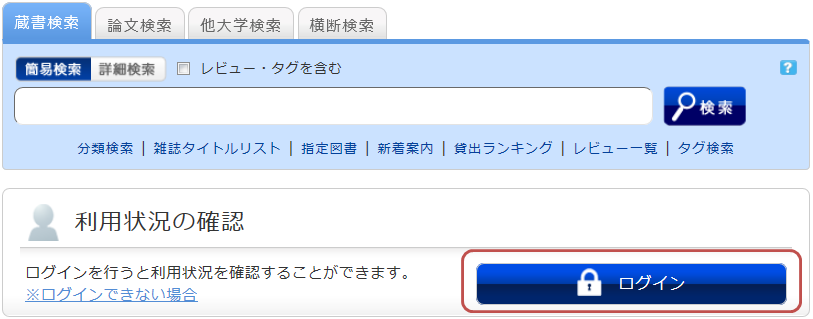
You can cancel a request from the "Check Usage Status" page.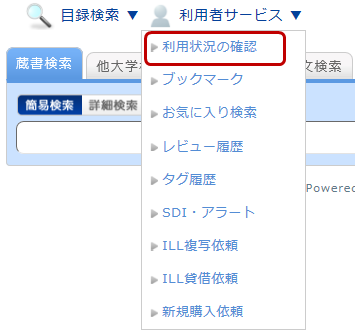
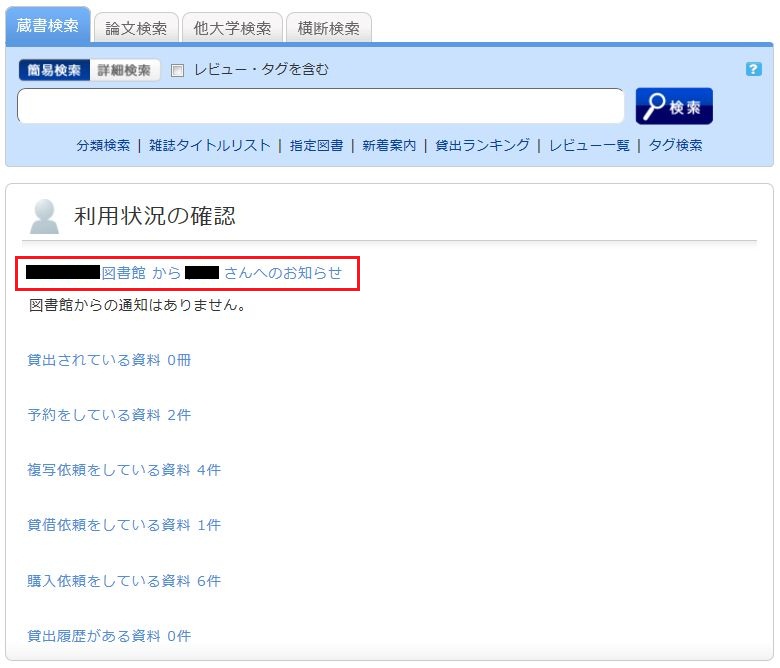
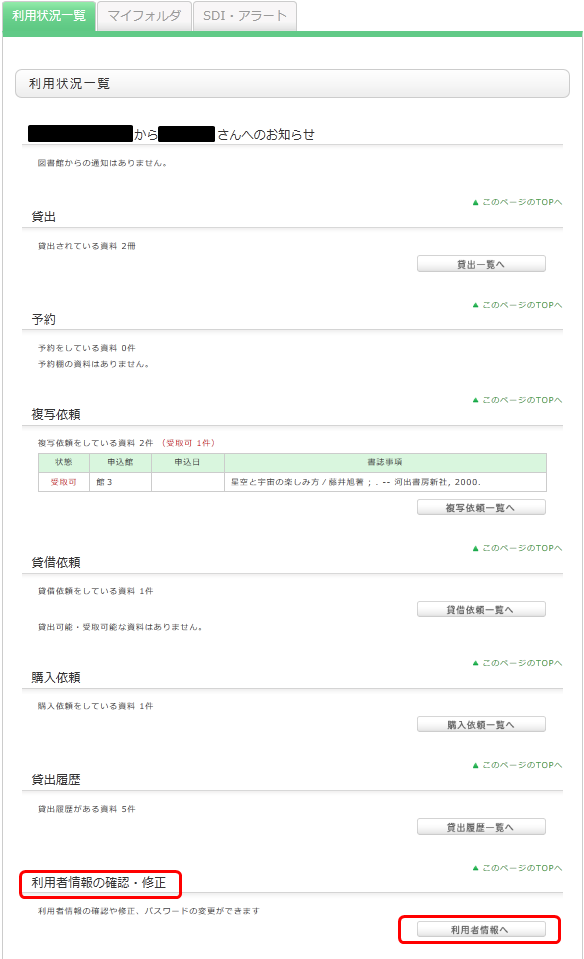
On the "Check Usage Status" screen, you can view the items you currently have checked out and the status of your various requests. Under the section for information regarding loan requests, select "Go to Loan Request List." This will allow you to view a list of your current loan requests. From this list, check the box for the material you wish to cancel and click the [Cancel Request] button.
What kind of personal services are available?
To use the Personal Service, you will need a library account.
The Personal Service is broadly divided into the following three functions:
1. Check Usage Status
This function allows you to view your current checkout status and apply for loan period extensions.
2. My Folder
This function allows you to save search conditions and search results, and to view your tag and review history.
3. Alert
This function notifies you when new books or journals arrive at the library.
I cannot log in to the OPAC.
You need an MNS account to log in to the OPAC user services.
What can I do in the "My Account" (Usage Status) list?
Loans
You can select items by checking the checkboxes in the list to renew loans or export them to bibliographic management tools.
Clicking on the title of a bibliographic record allows you to view its detailed status.
Reservations
You can select items by checking the checkboxes in the list to cancel reservations, delete them from the list, or export them to bibliographic management tools.
Clicking on the title of a bibliographic record allows you to view the detailed status of the reservation.
Copy Requests
You can select items by checking the checkboxes in the list to cancel requests, delete them from the list, or export them to bibliographic management tools.
Clicking on the title of a bibliographic record allows you to view its detailed status.
ILL Requests
You can select items by checking the checkboxes in the list to cancel requests, delete them from the list, or export them to bibliographic management tools.
Clicking on the title of a bibliographic record allows you to view the detailed status of the request.
Loan History
You can select items by checking the checkboxes in the list to delete them from the list or export them to bibliographic management tools.
Clicking on the title of a bibliographic record allows you to view the details of your loan history.
View/Edit User Information
Please note that you can only view your user information and cannot modify it.
How can I update my user information in the OPAC?
You can check your registered information from "My Account" > "User Information" in the OPAC. Please note that you cannot modify this information.