



FAQ
How do I register a review?
Category:
5.1.About personal services
To register a review, click [Write a review for this book] on the bibliographic details screen.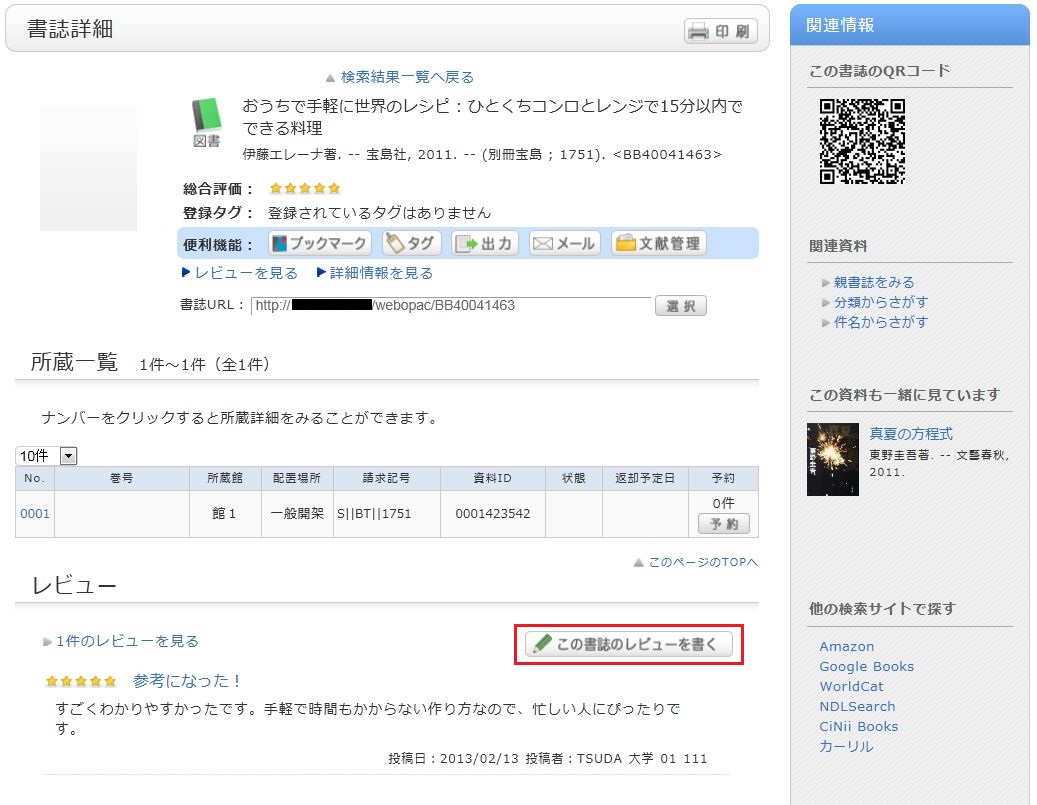
Entering a Review
- Check the bibliographic item for which you are writing a review, select a rating (1-5 stars), enter the review title and body, and click [Post].
HTML tags and machine-dependent characters cannot be used. - Review your submission details. If they are correct, click [Confirm]. If you wish to re-enter the information, click [Re-enter].
- When a review is published, in addition to the review title and body, the contributor's date of posting, department, library affiliation, and user category will be displayed.
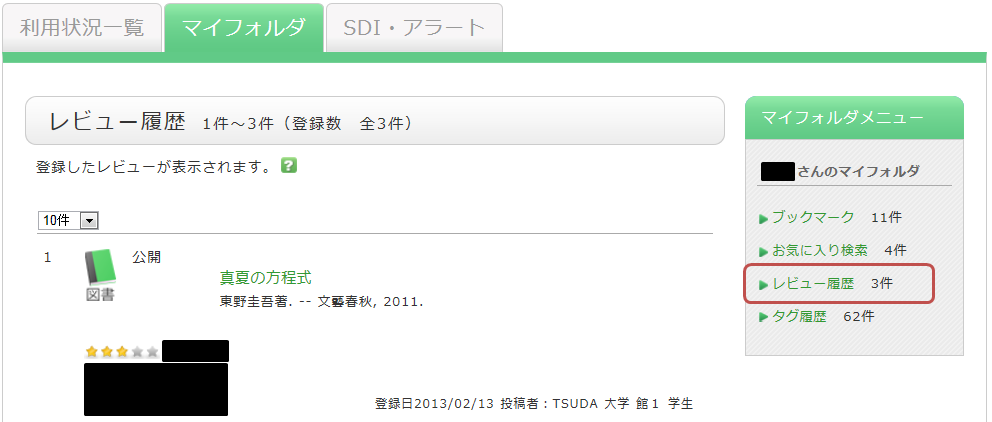
Evaluating Reviews
You can comment on reviews, vote on their helpfulness, or report inappropriate reviews.
From the review details screen, click the following options to proceed to the input screen:
- Was this review helpful? ▶ Yes ▶ No
- Report as an inappropriate review
- Write a comment on this review
