



FAQ
Is it possible to save a list of materials to check later?
Materials you have searched for and viewed details of in the library catalog are recorded as "Browsing History" until you close your browser (or remain inactive for an extended period).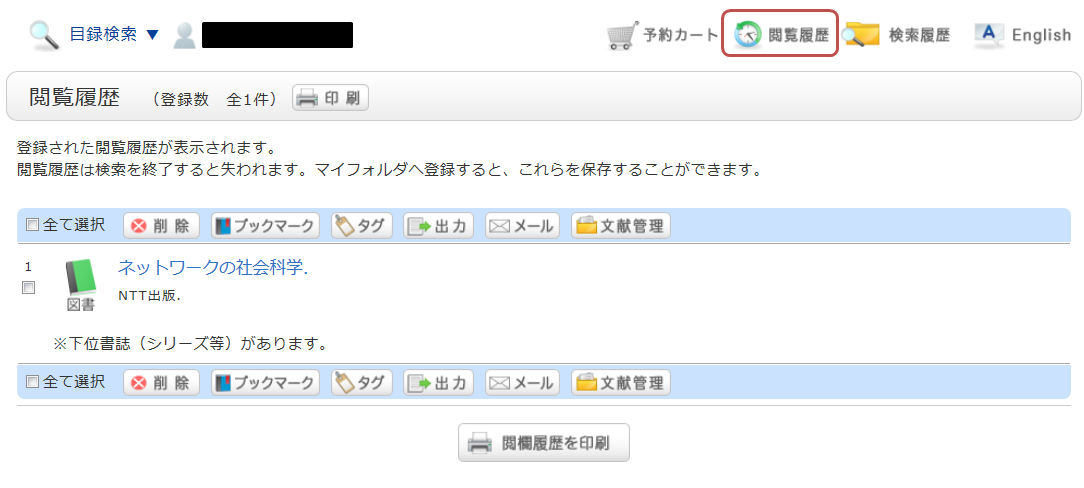
*The image shows the screen after clicking "Browsing History."
If you wish to view these materials at a later date, please add them to your bookmarks.
You can add items to your bookmarks from the search results list or the bibliographic details screen.
On the list screen, check the checkbox for the material you wish to register and click the "Bookmark" button.
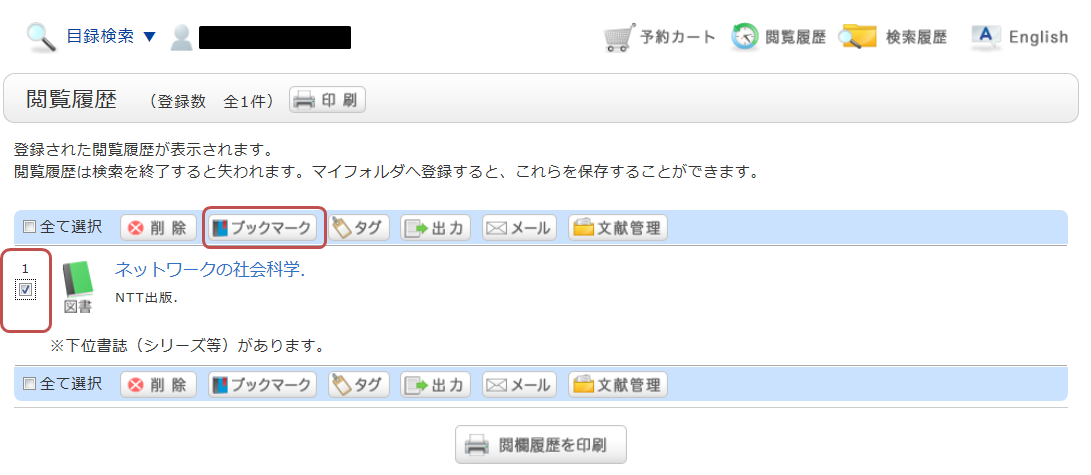
You can view your registered items from "Bookmarks."