FAQ
I requested a photocopy (ILL copy request), but how can I cancel it?
You can cancel a request from the "Check Usage Status" page.
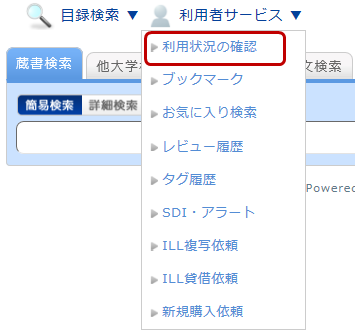
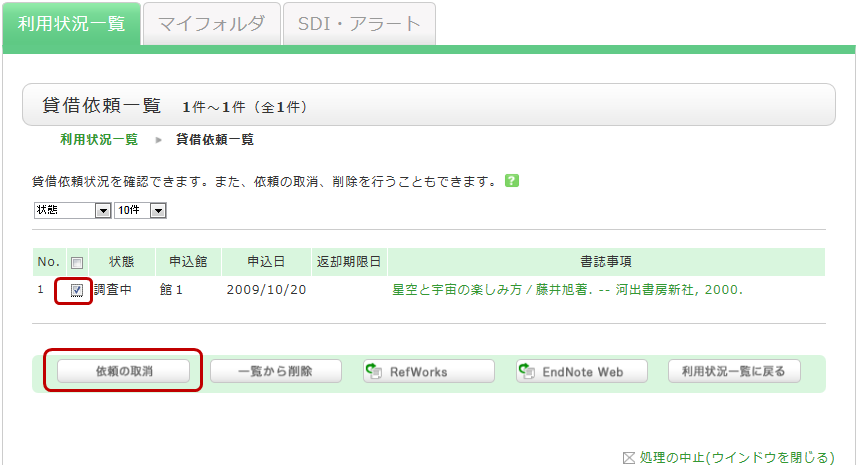
On the "Check Usage Status" screen, you can view the items you currently have checked out and the status of your various requests. Under the section for information regarding photocopy requests, select "Go to Photocopy Request List." This will allow you to view a list of your current photocopy requests. From this list, check the box for the material you wish to cancel and click the [Cancel Request] button.