



What should I do if the material I found in the OPAC is currently checked out?
You can reserve materials that are marked as "Checked out" in the library catalog by following the steps below.
1. Click the [Reserve] button under "Holdings List" on the bibliographic details screen.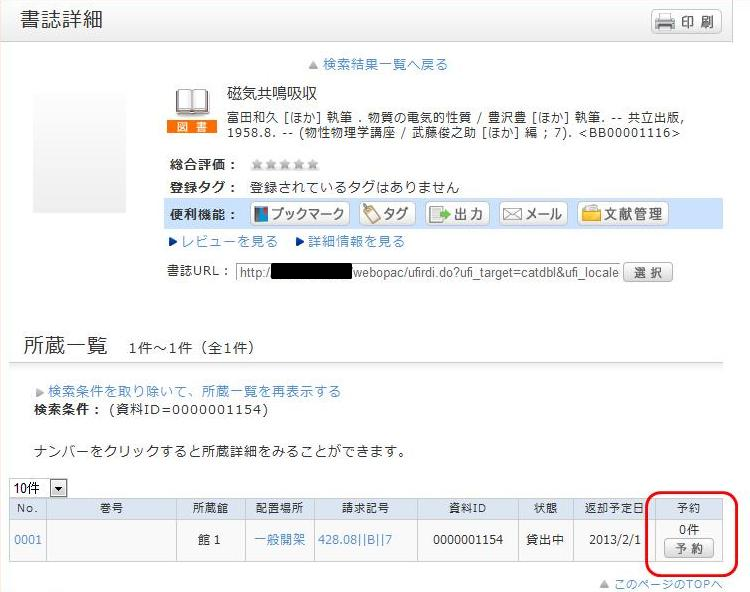
2. On the request condition selection screen, select your desired request conditions and click [Select].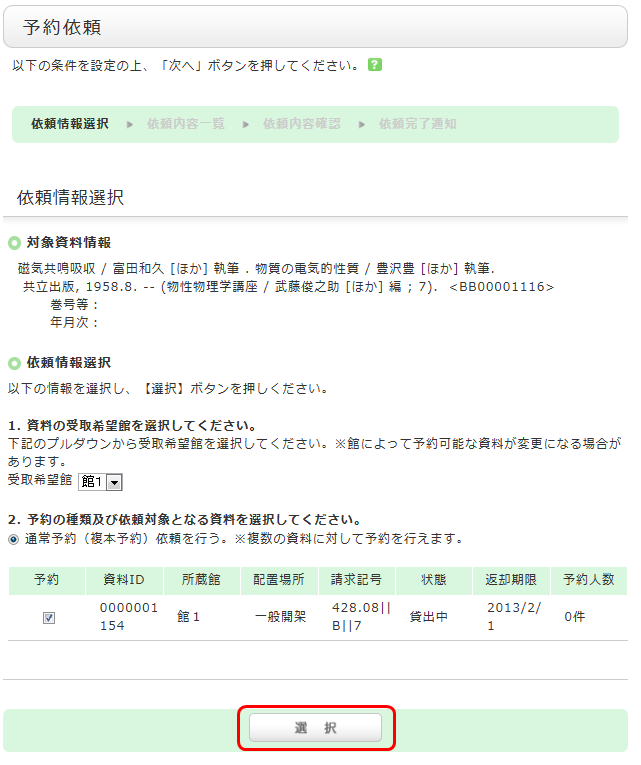
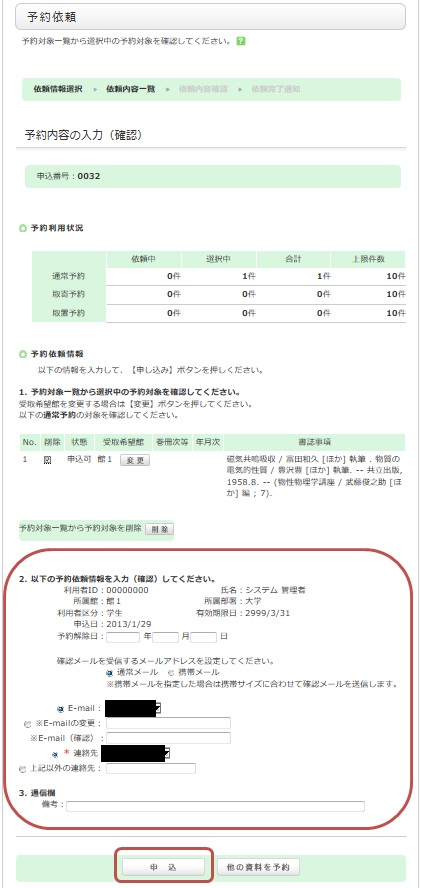
3. On the request information entry screen, confirm the material and applicant information, enter (or verify) the reservation details, and finally click [Apply].
4. Confirm the reservation request details on the "Request Confirmation" screen and click [Confirm].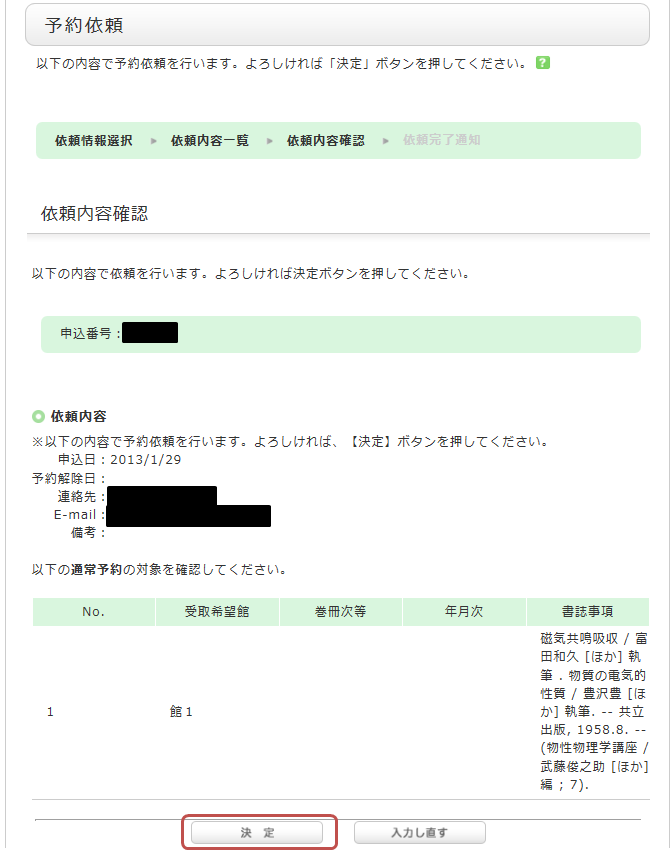
5. The reservation is complete once you see the "Request Completion Notice" screen.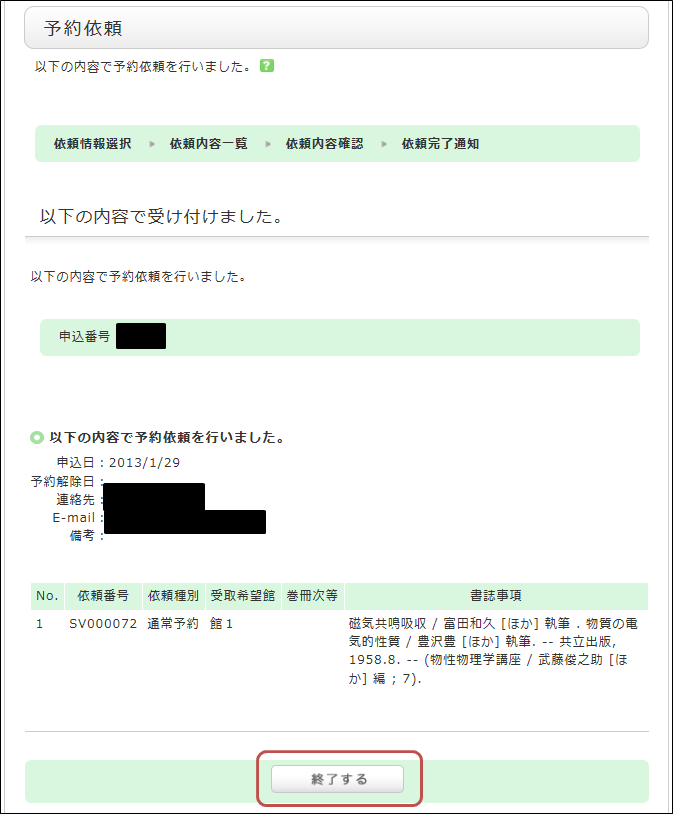
*An automated notification email will be sent to your university email address when your reserved item arrives. The hold period is 1 week.